User Interface & Software Design
User Interface & Software Design
UPMC Health System Mobile Data Collection App & Database
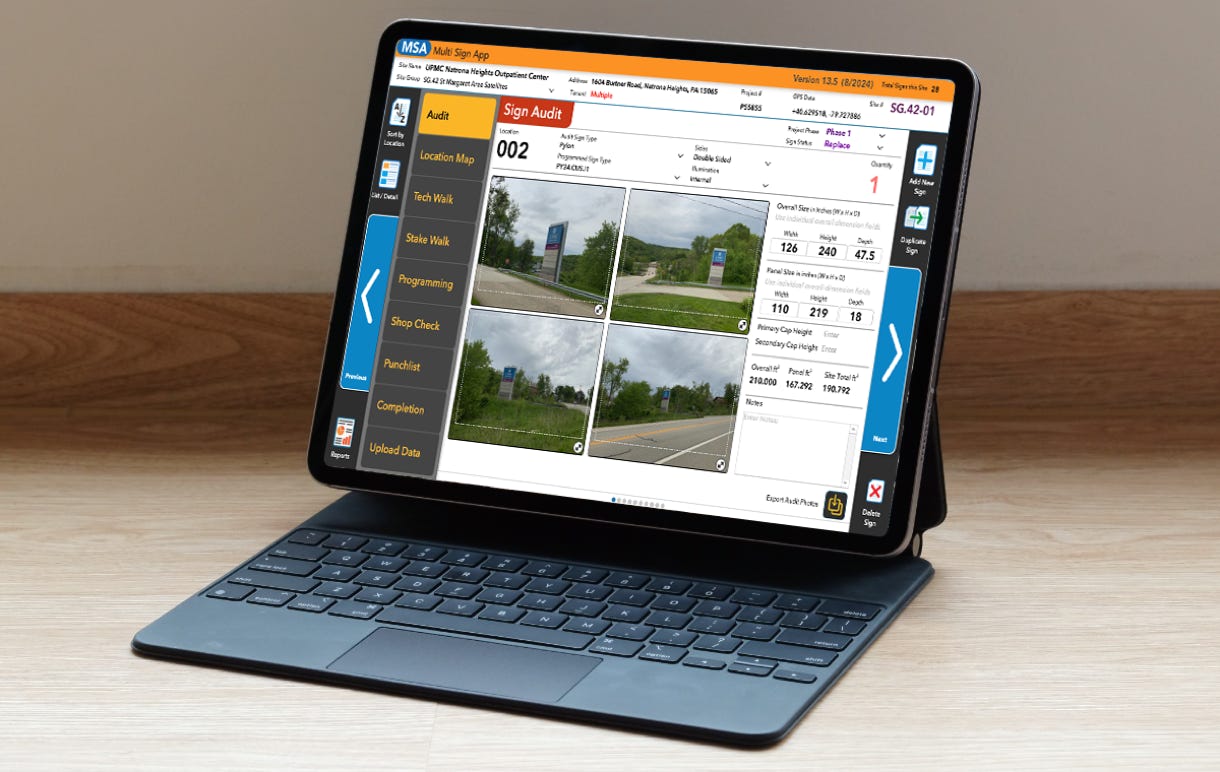
Mobile Sign & Property Data Collection Application
Pittsburgh, PA, 2018-Current
Problem
With over 1,700 individual sites to research and audit as part of UPMC’s systemwide rebranding program, our team needed a quick, efficient way to collect visual and clerical information about each sign on a property.
Solution
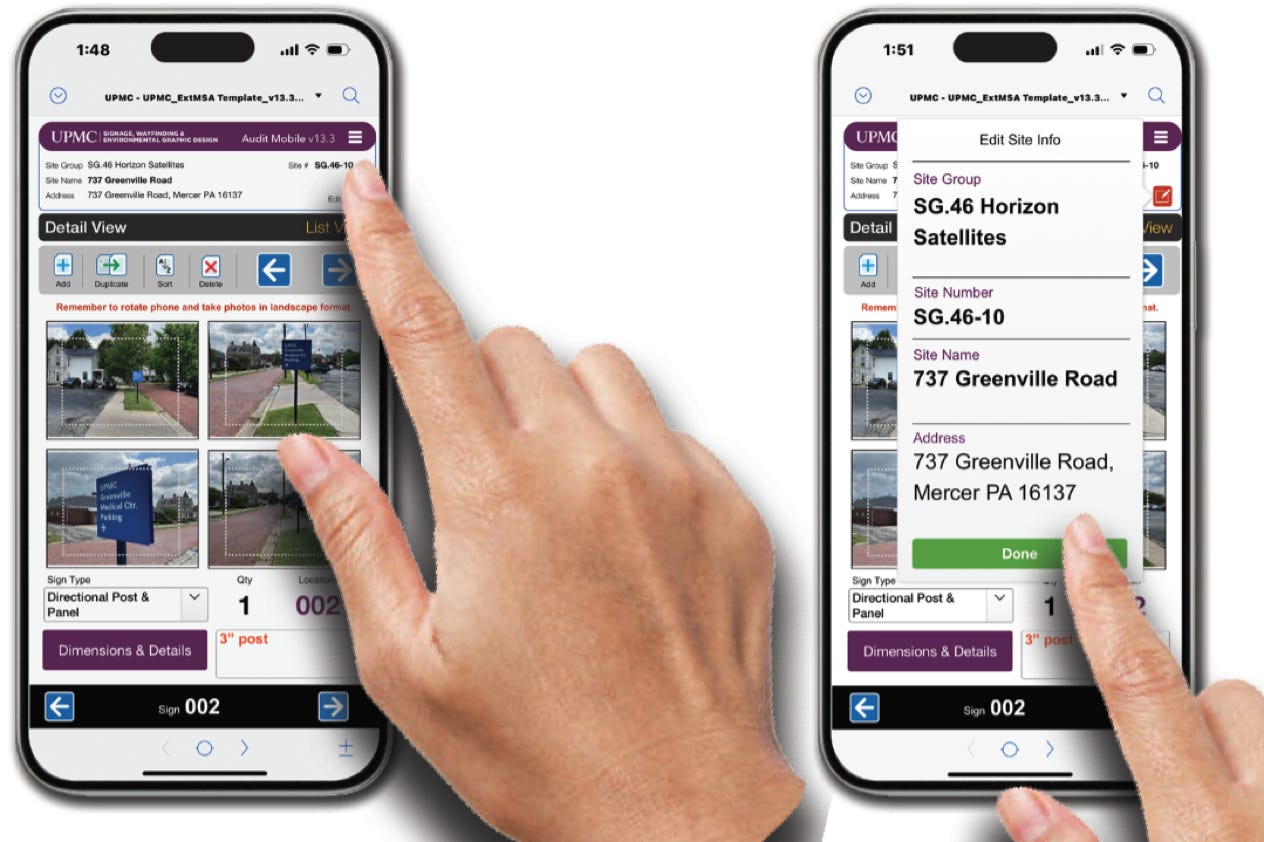
I designed and built a mobile application (which is a full-fledged database) that allows anyone to easily gather and record branding implementation and site specifics on any site. The program is is a series of data records that follow a project from inception to completion. Collected data seamlessly integrates wirelessly with a much larger cloud-based sign and property database.
The solution is designed with the individual surveyor in mind regarding human factors, ease of use, modularity, and can be applied to different variations applicable to conditions in any construction field.
Background
SCENARIO
In 2018, the University of Pittsburgh Medical Center (UPMC) embarked on a 6-year, $60 million systemwide exterior signage rebranding program for all 1,700-plus properties owned or leased by UPMC, including hospital campuses, outpatient centers, medical buildings and satellite offices. The program coincided with the large health system’s recent marketing campaign which involved a new logo and color scheme, a new corporate tagline, and an increased presence in television, print and internet advertising.
Along with the fact that most signage at UPMC facilities had not been rebranded or even maintained for over 25 years, the company was about to complete acquisition of the Susquehanna Health System in Central PA, the Pinnacle Health System in and around Harrisburg, PA, and the Western Maryland Health System in Cumberland, MD, each comprised of multiple large hospitals and hundreds of satellite offices.
A new way to catalog and replace hundreds of thousands of individual signs was clearly a priority for the fledgling sign rebranding program.
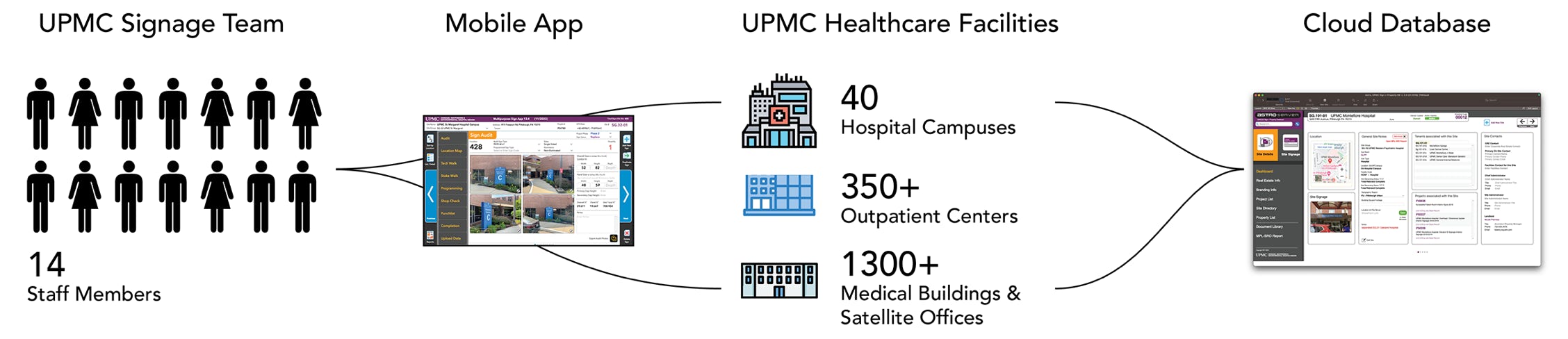
GOALS
SOLUTION
The solution ultimately fulfilled each of the functional requirements. After more than seven years, it is being used on a daily basis, though it has gradually transformed over the years.
Users navigate the applications with as few clicks as possible, and I strategically designed the layouts to minimize manual entry. Users generally respond positively to software that does not hinder their work, so it had to be fast. It also needed to work on the types of devices they prefer, whether it be desktops, laptops, tablets, or mobile phones.
The applications have advanced and scaled along with the changing needs and requirements of its users.
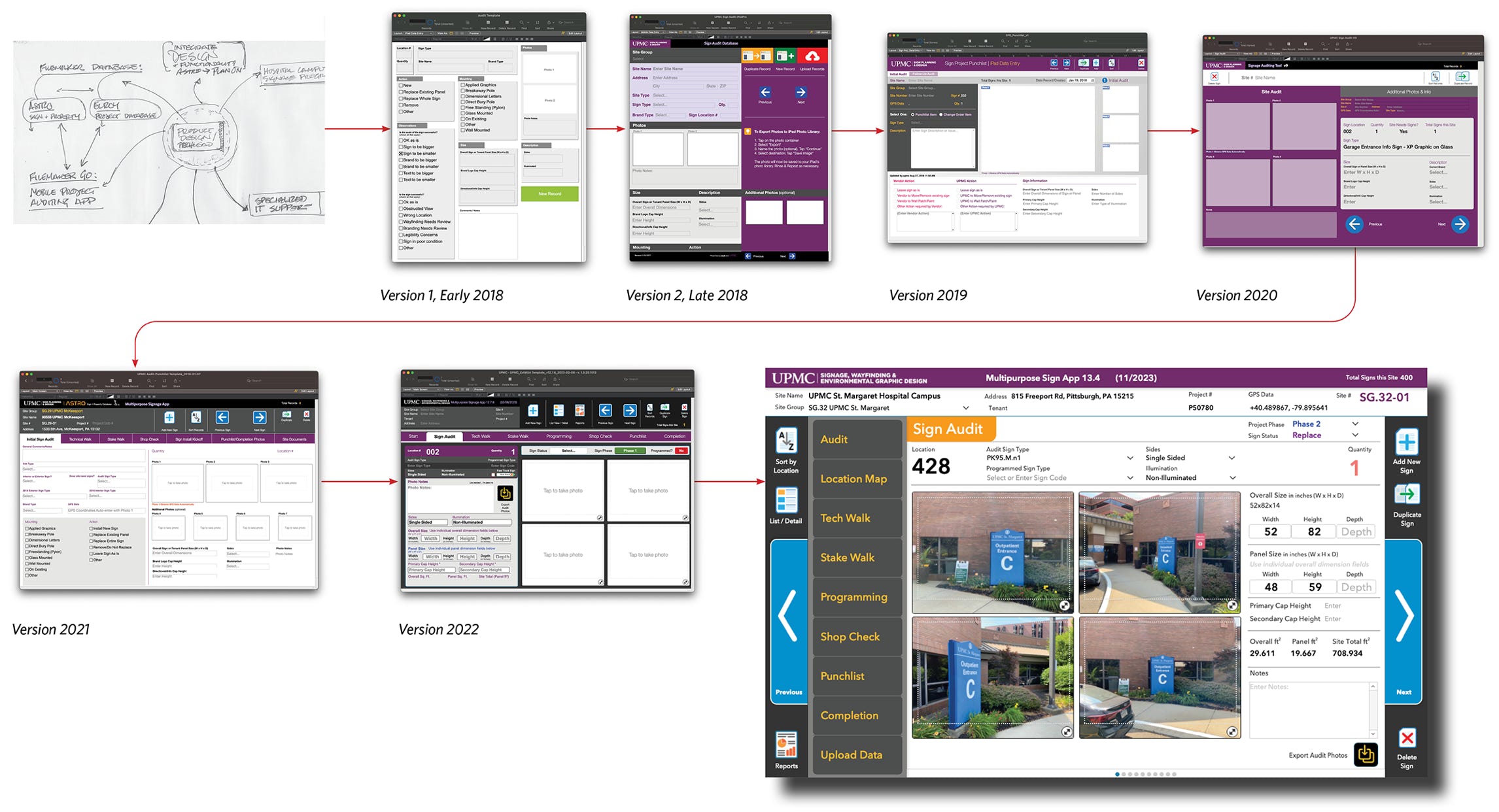
The mobile app has undergone multiple design iterations since its introduction.
Design Progression and Agile Development Principles
The original “napkin sketch” .
Design progression using Agile Development
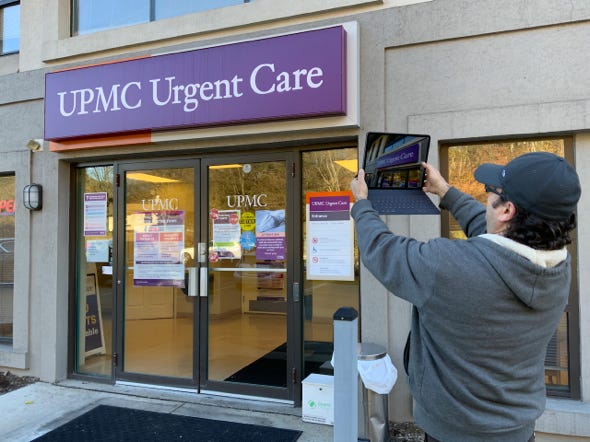
This mobile app was built and developed over many years using principles of Agile Development. Due to the immediate need in 2018 for the application, a very simple version of the app was released to the team.
Constant use and suggestions for improvement by team members led to new features and functionality with every new release of the software. Layout of the application’s functions expanded to consider ever-improving field usability issues.
App Functions
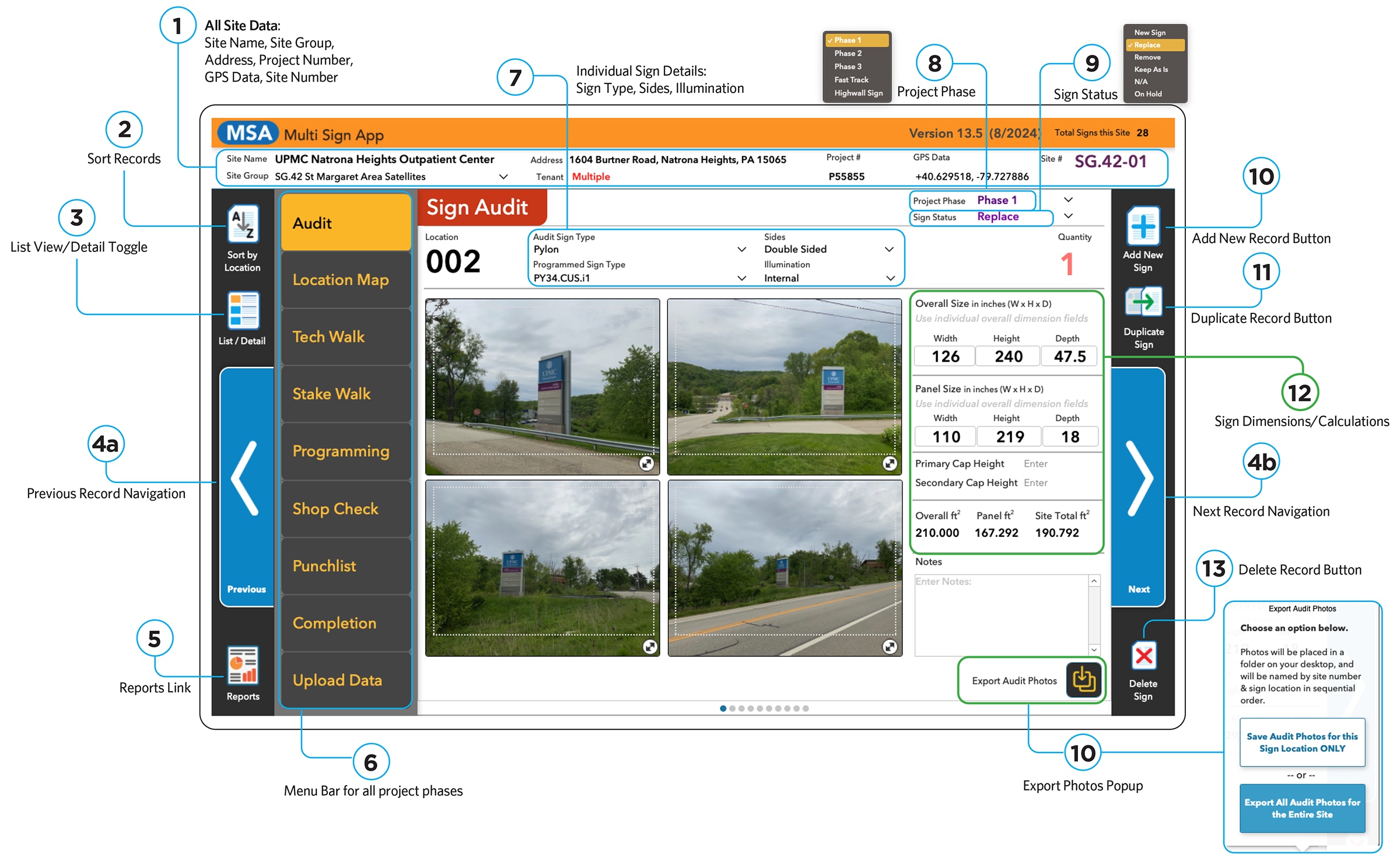
Label 1
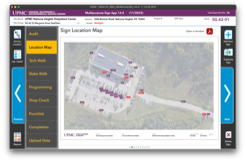
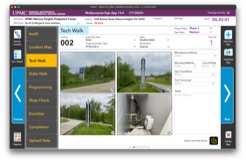
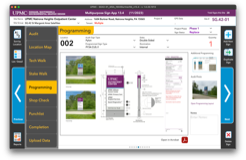
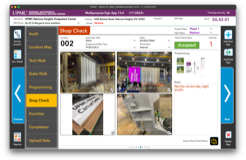
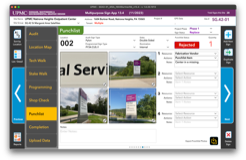
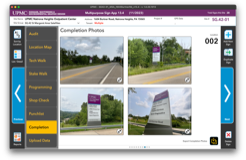
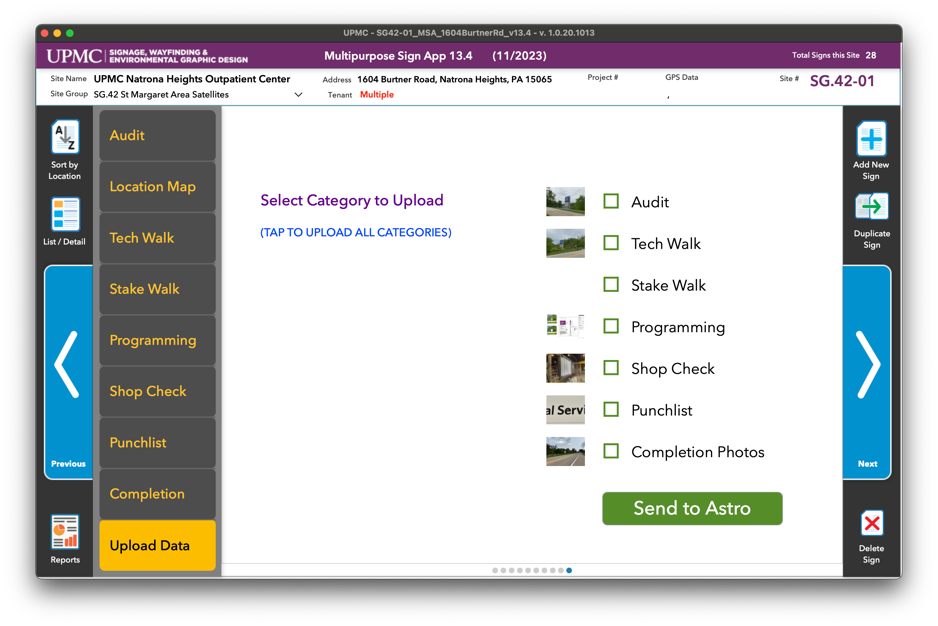
Project Phase Pages
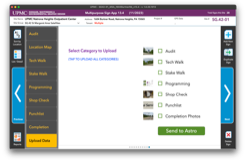
Each menu screen represents a different phase of the project, and follows the progress from start to finish. During each phase, users can upload project changes to the cloud server in real time.
Scheduled Software Updates
Software is a living product. Regular updates to new functions and the user interface were released continuously to make the product and survey process better with each iteration of the software.
Updates to the latest version include:
Sign & Property Database Integration
“Astro” Sign & Property Database
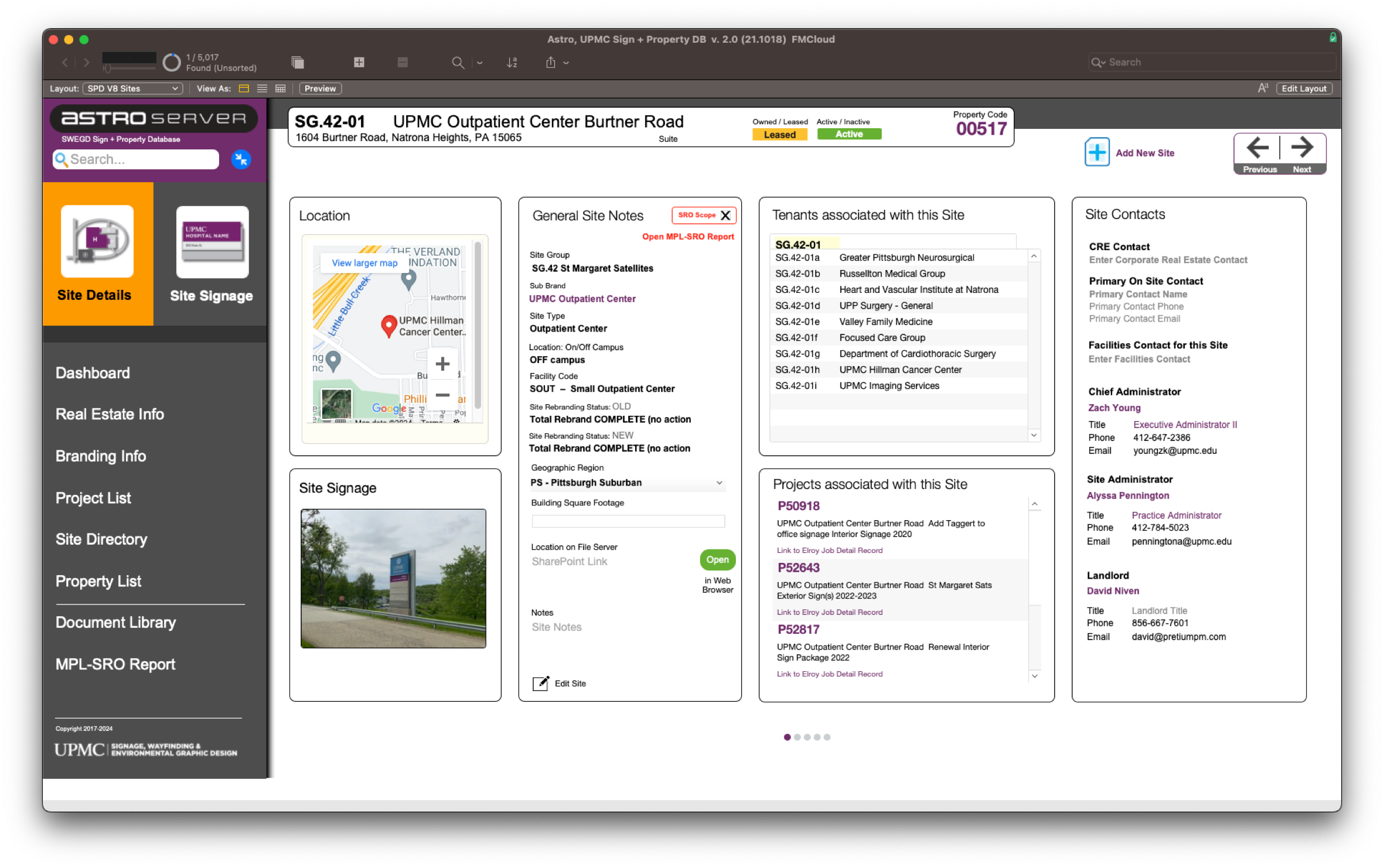
“Astro”, a human-centered, enterprise level
FileMaker database, tracks every one of UPMC’s real estate holdings and features critical site information and a visual catalog of all signage programming for each site.
I built this cloud-based FileMaker database solution from the ground up to allow users to easily find signage
photos, real estate information and current branding information at any UPMC site. Astro is fully integrated and cross-referenced with a separate Project Tracking database.
Audit data seamlessly integrates with the cloud-based FileMaker Sign and Property Database, “Astro”.
For more detail, please review the PDF available here.
Categories
Contact